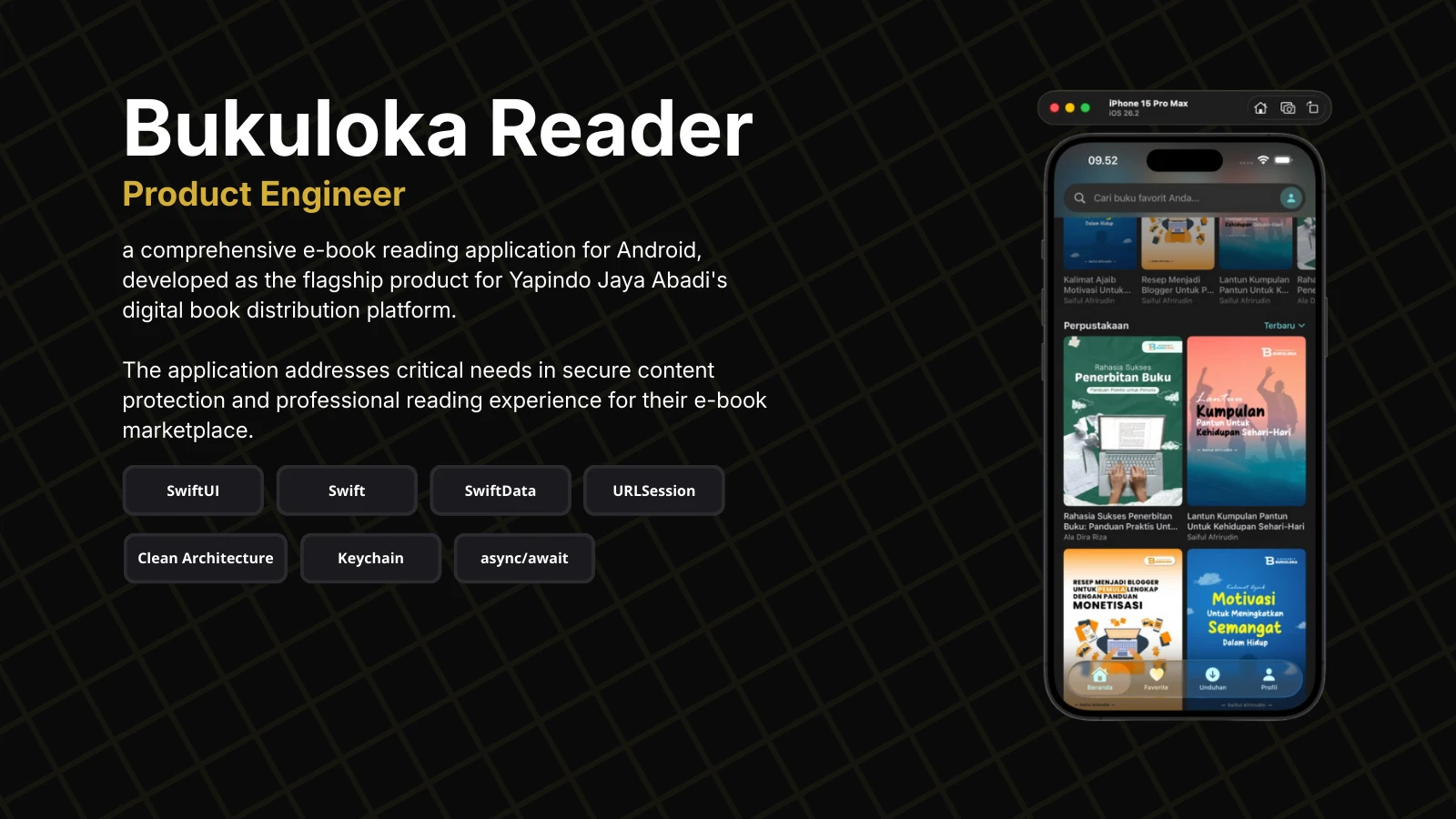
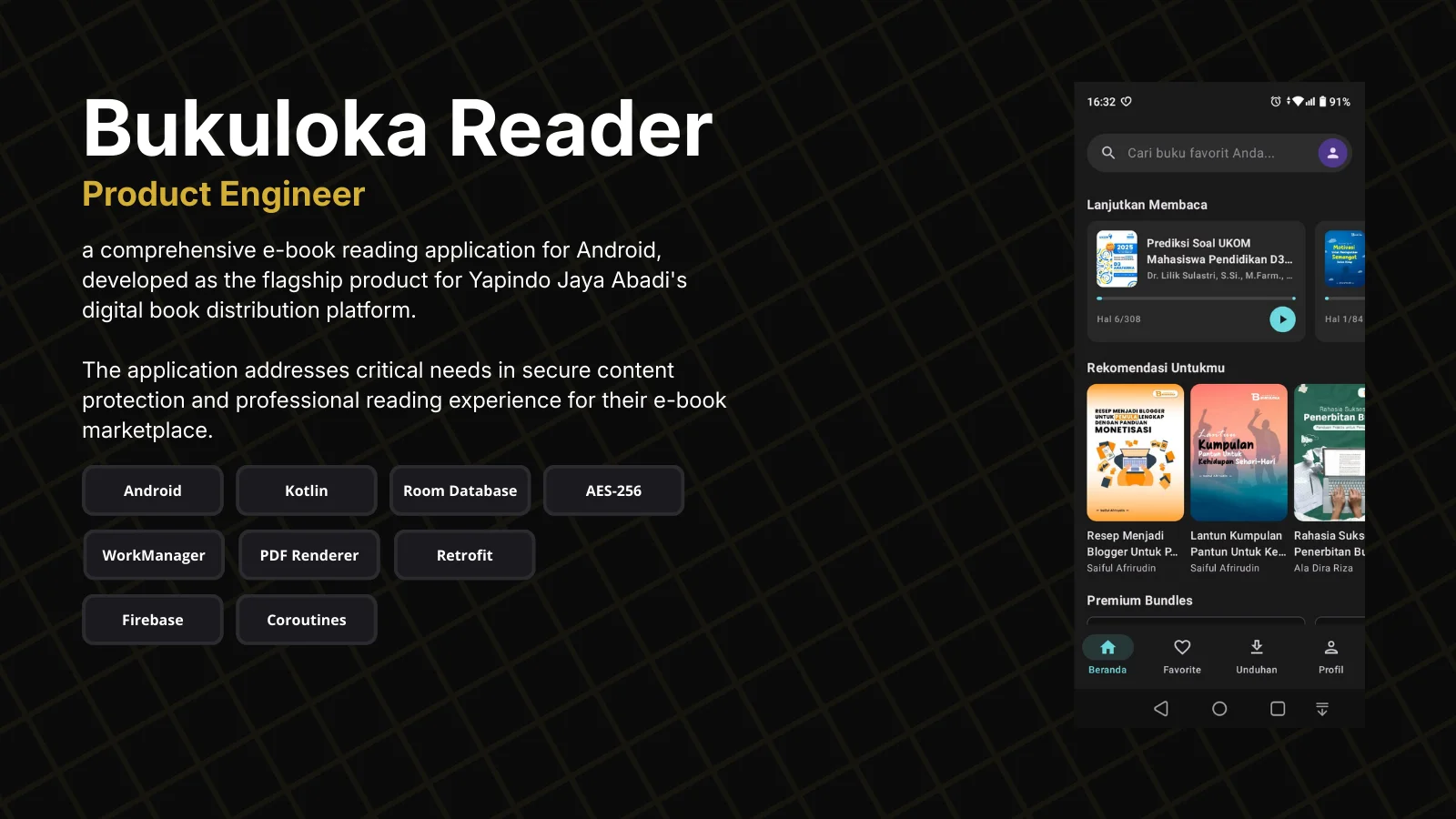
Bukuloka Reader for Android
Native Android e-book reader for Bukuloka — Indonesia's academic digital library platform. Features advanced PDF annotation, encrypted DRM protection, and offline-first architecture for students, lecturers, and academics.
Advanced PDF annotation system with highlights, underlines, free-hand drawing, and sticky notes (4 types, 16 colors)
Encrypted DRM protection with AES-256 CBC — PDFs decrypted on-the-fly for reading
Offline-first architecture with SwiftData persistence and background download system
Clean Architecture with protocol-based dependency injection via AppContainer
Swift 6 strict concurrency with actor-based caching and proper isolation
Comprehensive reading experience with bookmarks, progress tracking, and chapter navigation
Multi-user data isolation for shared device environments (family, library)
Subscription management with duration-based access control and bundle support
Students and lecturers in Indonesia face challenges accessing academic books: physical books are expensive, availability is limited in stores, and campus libraries often run out of stock for popular references.
Existing e-book platforms mostly focus on fiction/popular books, while the demand for textbooks, scientific references, and monographs continues to grow among academics.
Bukuloka Reader's Android version already serves thousands of users, but the iOS segment — widely used by professionals and academics — remains unserved. Publishers also need DRM protection to prevent piracy.
Built Bukuloka Reader for iOS as the native companion to the Android flagship app, bringing academic digital library access to the Apple ecosystem with an optimal reading experience using SwiftUI and Swift 6.
Implemented professional-grade reading features: complete annotation system (4 types with 16 customizable colors), encrypted DRM protection with AES-256 CBC, offline-first architecture with SwiftData, and background downloads for seamless content access.
Maintained full API compatibility with Android version, allowing users to seamlessly access their subscriptions, reading progress, and annotations from any device.
Technical obstacles encountered during development and the architectural decisions made to overcome them.
PDF annotation with gesture-based creation and normalized coordinate system
Implemented GestureCoordinator with mode-aware gesture routing (reading vs annotation modes). All annotations use normalized coordinates (0.0-1.0) via AnnotationBounds for cross-device compatibility. Built 4 annotation types (highlight, underline, drawing, sticky notes) with type discriminator pattern in SwiftData for polymorphic storage.
Secure PDF storage with on-the-fly decryption
Built PDFEncryptionService using AES-256 CBC with keys fetched from Firebase Remote Config. Downloaded PDFs are encrypted immediately and stored in user-isolated directories. PDFDecryptionHelper decrypts to temporary files only during reading sessions, with automatic cleanup on view disappear.
Swift 6 strict concurrency compliance across networking and caching layers
Designed actor-based CacheManager singleton with TTL support. Protocol methods called from actors marked nonisolated. Used nonisolated(unsafe) for thread-safe properties like FileManager. All ViewModels are @MainActor isolated with @Observable macro.
Protocol-based dependency injection without third-party frameworks
Designed AppContainer pattern with factory methods for ViewModel creation, injected via SwiftUI Environment. Each feature module has its own factory method, enabling isolated testing and easy dependency swapping (e.g., SwiftData to CoreData).
Multi-user data isolation to support shared devices in academic environments
All SwiftData entities include userId field with filtered queries. File storage uses user-isolated directories (users/{userId}/books/). Mappers handle DTO → Entity → Domain transformations with userId injection, ensuring complete data isolation across login sessions.
Background download with progress tracking and timeout detection
Built DownloadManager (actor) coordinating DownloadService with URLSession background configuration. Implemented state machine (queued → downloading → encrypting → completed), slow connection detection after 15s, and auto-cancel for stuck downloads after 60s in queue.
The application follows Clean Architecture with clear layer separation. SwiftUI handles the presentation layer with @Observable ViewModels, domain layer contains pure Swift entities and use cases, and data layer manages API communication via URLSession, local persistence via SwiftData, and PDF rendering via PDFKit wrapper.
Let's discuss your next project and create something amazing.
Get In Touch